Transmitter faults
By using our Transmitter Checker, you can check which DAB radio services are available at your location. It will also show you any transmitter faults. Currently it reports on network DAB stations only; Local and Nations radio faults are not included.
Works and Warnings
Check whether there are any known works or warnings that might be causing the problem.
Tuning
DAB uses multiplexes to group services together. The BBC network stations, e.g. BBC Radio 1, BBC Radio 4 are grouped together in a single multiplex. Nations and Local radio services are carried on a mix of commercial multiplexes.
Try switching your radio on and off. If you still have a problem use the ‘autotune' function to re-tune. If this does not work, a full re-scan might be needed. Check your radio manual for specific instructions on doing a full re-scan. Further information on tuning your DAB radio can be found by visiting the Get Digital site or see our DAB tuning guide.
Portable Radios
Ensure the telescopic/integrated aerial is fully extended. Try moving the radio around to see if you can find a better position where you get good reception of all the stations you want to listen to.
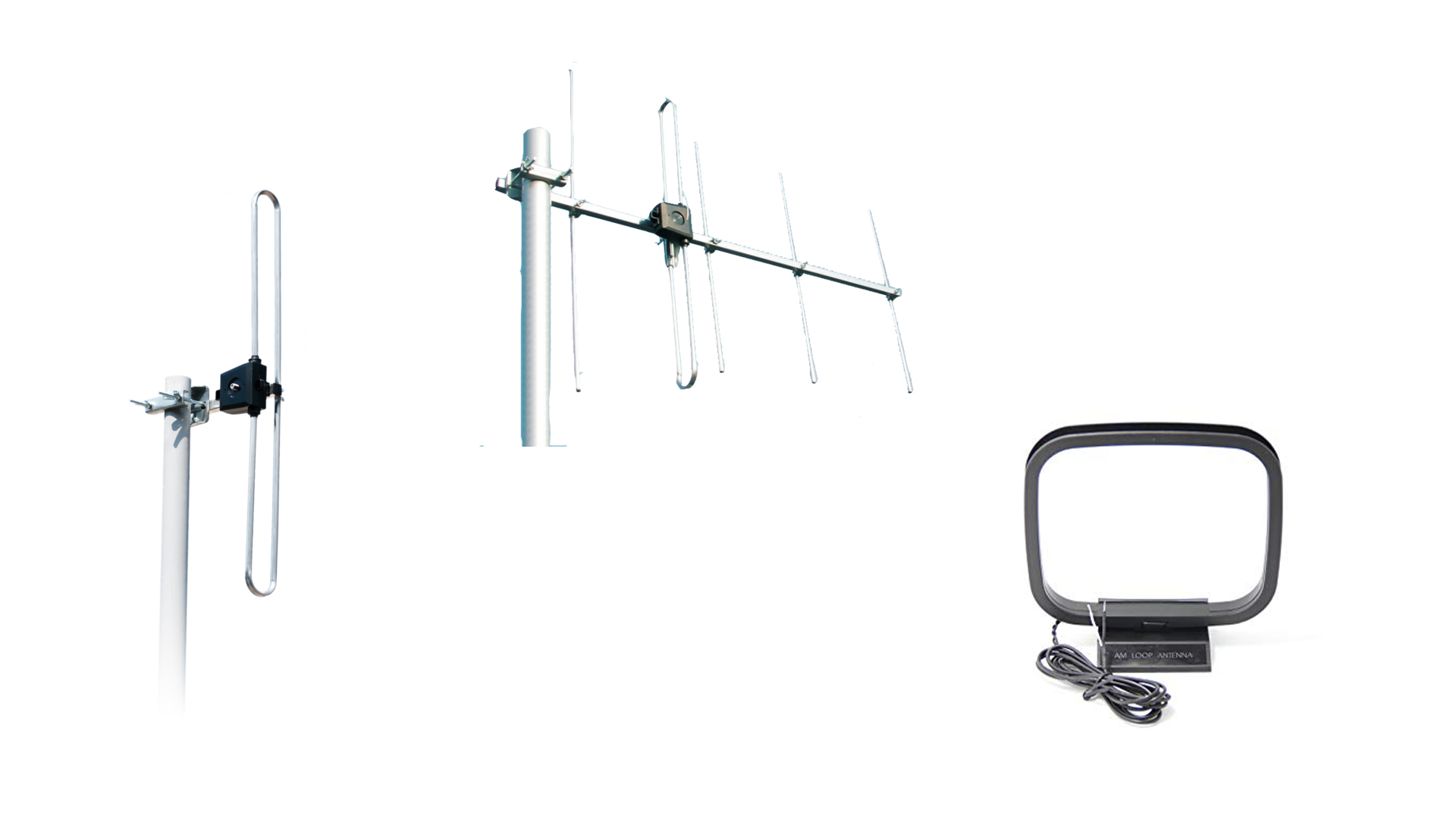
In most circumstances the supplied telescopic aerial should be perfectly adequate, and as a rule of thumb DAB aerials tend to work best when vertical and extended at least 35 cm. If your radio reception is poor then you could consider an external aerial for best reception quality. Even in good areas an external aerial will guarantee optimum performance and will also ensure consistent listening quality.
Many Digital radios have a signal strength display which enables you to position the Radio for the best reception (usually a number of blocks) as a guide of reception quality. Unfortunately, some radios are less sensitive than others and need careful positioning to work reliably. If your radio displays signal strength, use this as a guide to ensure the best position.
Our DAB installation guide provides further information.
External aerials
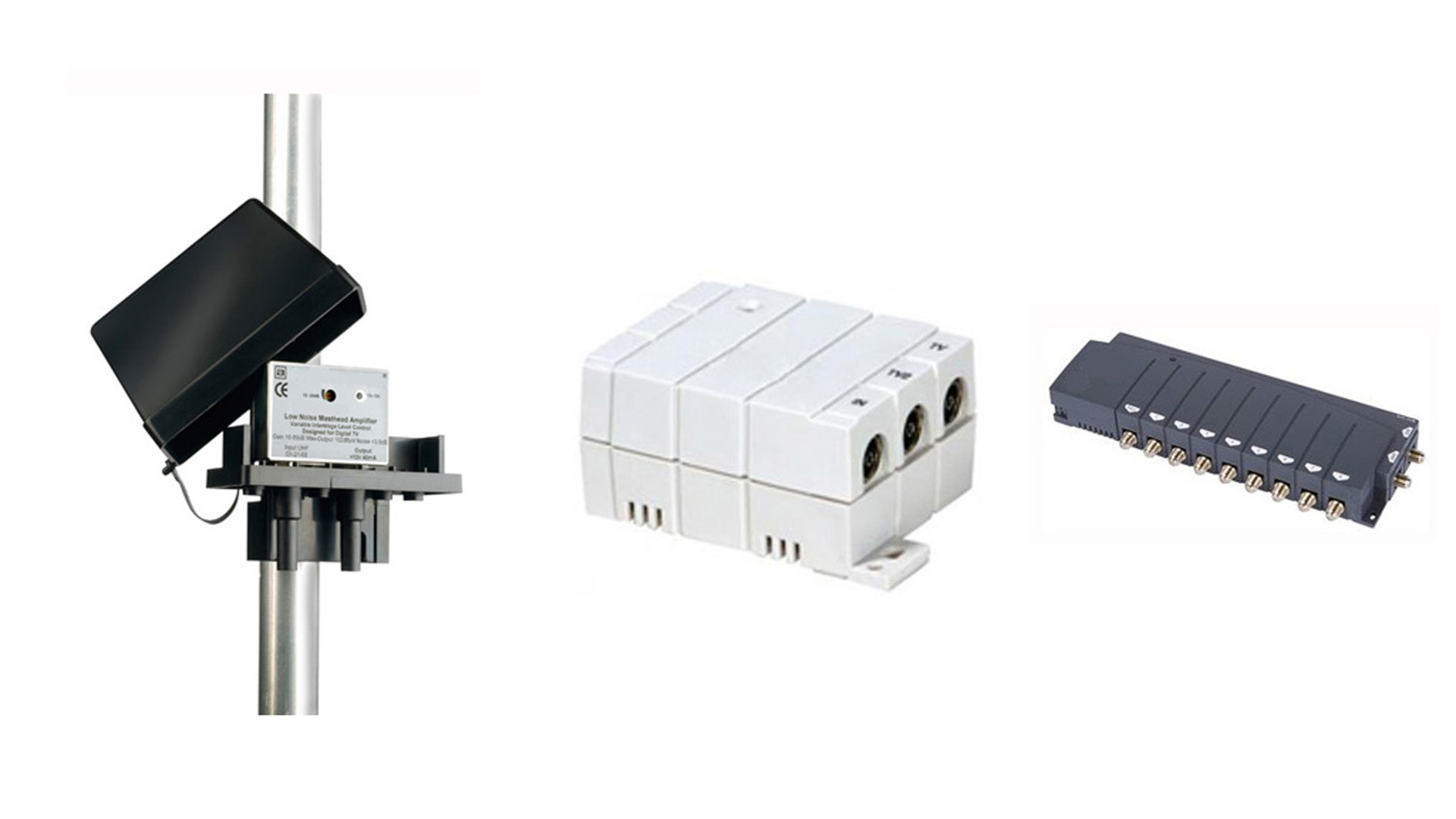
It is important to check the cables and the aerial for damage and that they are operating correctly. Make sure any cables between your radio equipment and aerial are connected securely. For further information see our DAB installation guide.
Damaged Cables
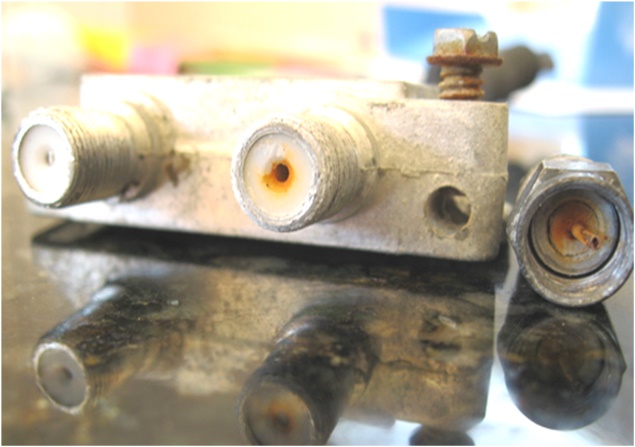
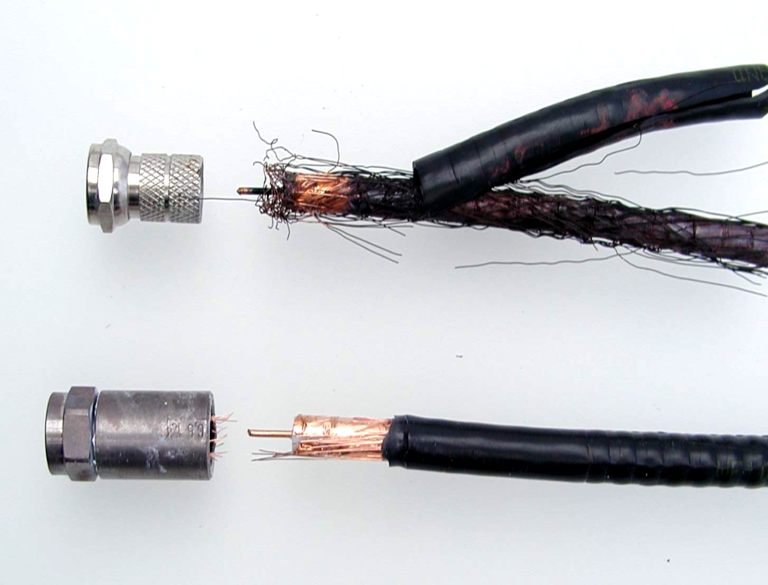
Water can get into external cables and can cause reception problems. To rule this out see our guide on water damage to cables.
Car Radios
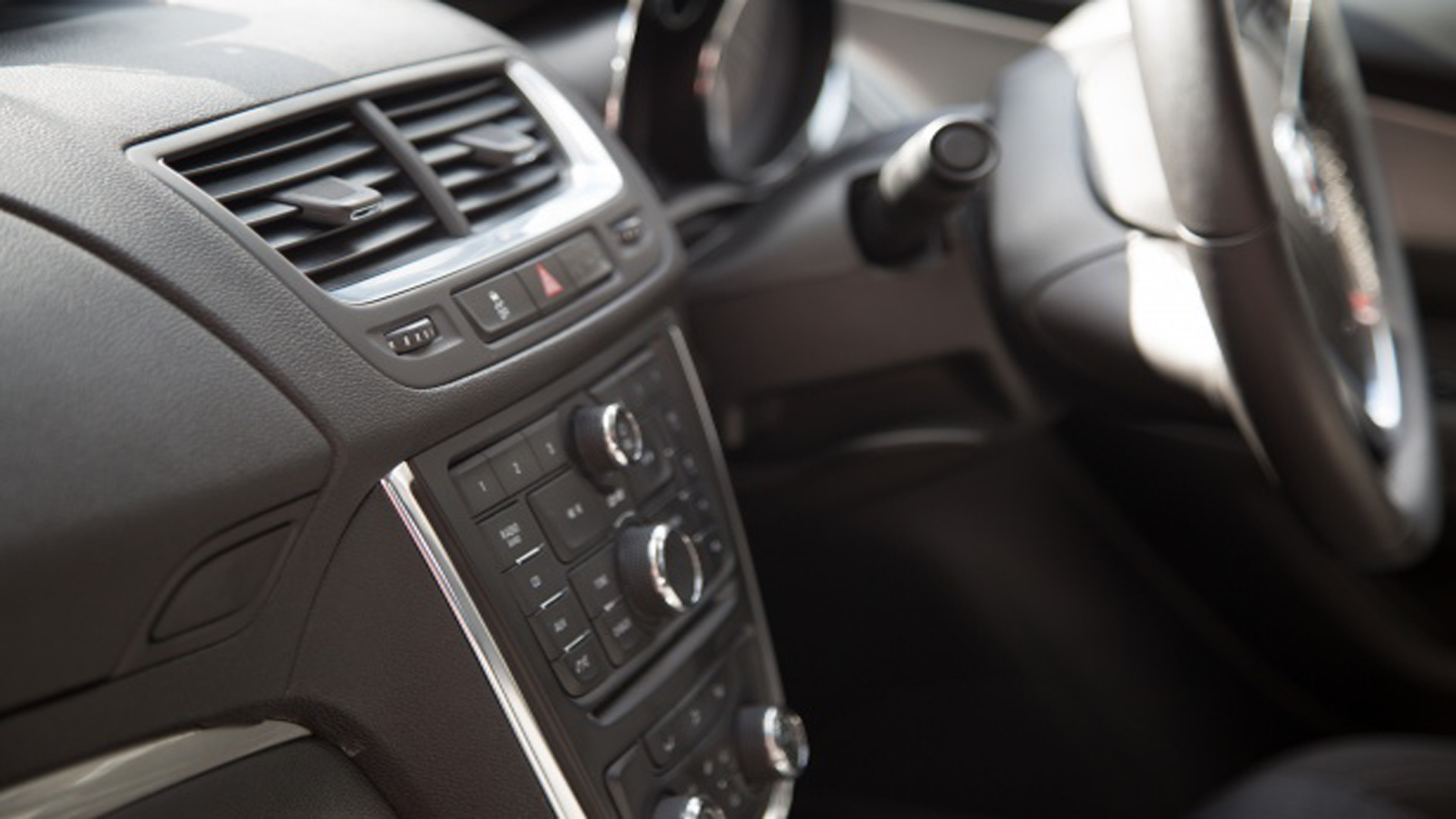
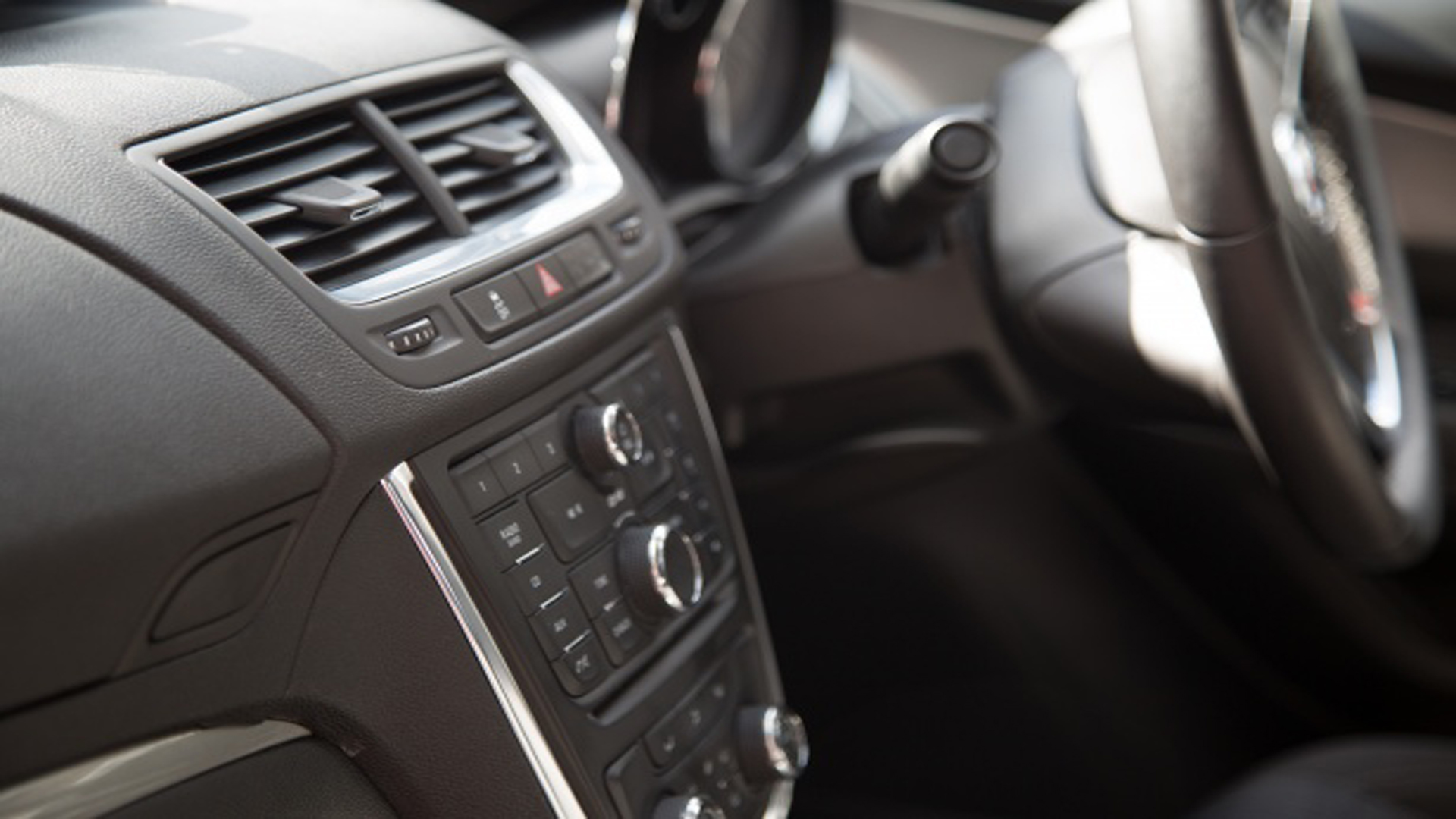
Radio reception can drop out when on the move due to changes in topography. See our car radio guide for more information.
Weather
Radio signals can be affected by fine weather including high pressure. The only solution is to wait for the weather to change, you should not re-tune during this time. Our information on how clear skies and fine weather can affect your radio reception may be useful, please see our weather guide.
Lost reception of one or more station within a multiplex
If all other stations are working ok and you have just lost one station. The problem could be due to a number of reasons, the station may have stopped broadcasting or have moved multiplexes rather than a radio fault. All of the stations in one multiplex should be behaving the same way.
Interference
If you are still having problems, it is possible an unwanted signal is the cause. For information on the symptoms of interference see our sister website RTIS.
Qualified Installer
The BBC cannot recommend individual installers. The CAI (Confederation of Aerial Industries) is a recognised trade body which will be able to put you in touch with one of their members in your area.